ClickUp Overview
ClickUp addresses the challenge of fragmented work management by consolidating essential tools into a single platform. It integrates tasks, documents, goals, and chat to streamline workflows and enhance productivity. This all-in-one solution reduces the need for multiple applications, allowing teams to manage projects more efficiently. ClickUp's smart tools and AI capabilities facilitate faster task completion and improved collaboration. By offering a centralized workspace, it simplifies project management and supports teams in achieving their objectives more effectively.
Use Cases
Customers recommend Workflow Management, Collaboration, Onboarding, as the business use cases that they have been most satisfied with while using ClickUp.
Business Priorities
Improve Internal Communications and Acquire Customers are the most popular business priorities that customers and associates have achieved using ClickUp.
ClickUp Use-Cases and Business Priorities: Customer Satisfaction Data
ClickUp's features include Personalization, Alerts: Popups & Notifications, Templates, etc. and ClickUp support capabilities include Email Support, Phone Support, 24/7 Support, etc. also ClickUp analytics capabilities include Analytics, and Custom Reports.
Reviews
"...We manage lots of different client relationships and work with vendors and coordinate delivery and scheduling and publishing...." Peer review by Tony J., Director of Communications, Non-Profit Organization Management
Peer review evidence (same sources as the product rating summary)
"...Clickup provides powerful multi views of tasks and projects - everything we need to keep on top of workflow!...." Peer review by Chris W
"...We can keep a good level of collaboration between users with little delay...." Peer review by Kelby C, Software Developer
"...Deadlines, Modules development priority and Code audit with the awesome integration with gitlab...." Peer review by Ernesto F, Mr.
ClickUp, Less Annoying CRM, TeamGantt, MeisterTask, Freshsales, etc., all belong to a category of solutions that help Project Management. Each of them excels in different abilities. Therefore, determining the best platform for your business will depend on your specific needs and requirements.
ClickUp aims to boost productivity by consolidating tasks, docs, goals, and chat into one app. Their mission is to replace multiple tools with a single solution.
Popular Business Setting
for ClickUp
Top Industries
- Marketing and Advertising
- Information Technology and Services
- Computer Software
Popular in
- Small Business
- Mid Market
- Enterprise
ClickUp is popular in Marketing And Advertising, Information Technology And Services, and Computer Software and is widely used by Small Business, Mid Market, and Enterprise.
ClickUp Customer wins, Customer success stories, Case studies
What benefits does ClickUp offer for Workflow Management?
What Are the key features of ClickUp for Collaboration?
What Are the key features of ClickUp for Onboarding?
What makes ClickUp ideal for Engagement Management?
How does ClickUp facilitate Communication Management?
11 buyers and buying teams have used Cuspera to assess how well ClickUp solved their Project Management needs. Cuspera uses 7051 insights from these buyers along with peer reviews, customer case studies, testimonials, expert blogs and vendor provided installation data to help you assess the fit for your specific Project Management needs.
ClickUp Release 3.18

Frequently Asked Questions (FAQ)
What buyers ask before choosing ClickUp
What is ClickUp?
ClickUp is a customizable productivity platform that replaces other workplace apps for all users and all departments in an organization. It offers docs, reminders, goals, calendars, and even an inbox. Fully customizable, ClickUp works for every type of team, so all teams can use the same app to plan, organize, and collaborate.
ClickUp gives flexibility and control to organize everything from small teams to enterprise companies. It helps to tackle work from any angle with 15+ powerful views. Easily customized to manage any type of project, no code or add-ons required. Collaborate on product ideas, document bugs, or jot down meeting minutes with ClickUp Docs. Edit in real-time and keep everyone up-to-date with a visual knowledge base. Set goals, track progress, and manage resources more effectively with powerful reporting features along with Global Time Tracking, Time Estimates, and time Reporting.
Some of its features include creating tasks for anything in ClickUp, customized project management, viewing tasks in Google sheets, sending and receiving emails directly within ClickUp, scheduling the team and syncing in real-time with Google, Outlook and Apple. Goal tracking, time tracking and more.
What is ClickUp used for?
What are the top features of ClickUp?
Who uses ClickUp?
What are ClickUp alternatives?
Where is ClickUp located?

Peers used ClickUp for workflow management and collaboration
ClickUp Competitors


ClickUp Features
- Low
- Medium
- High
| FEATURE | RATINGS AND REVIEWS |
|---|---|
| AI Powered | Read Reviews (19) |
| Analytics | Read Reviews (58) |
| Custom Reports | Read Reviews (1547) |
| CAPABILITIES | RATINGS AND REVIEWS |
|---|---|
| AI Powered | Read Reviews (19) |
| Analytics | Read Reviews (58) |
| Custom Reports | Read Reviews (1547) |
ClickUp Integrations
ClickUp integrates with a wide range of software applications through its robust data import and export capabilities.


Few API Integrations for ClickUp


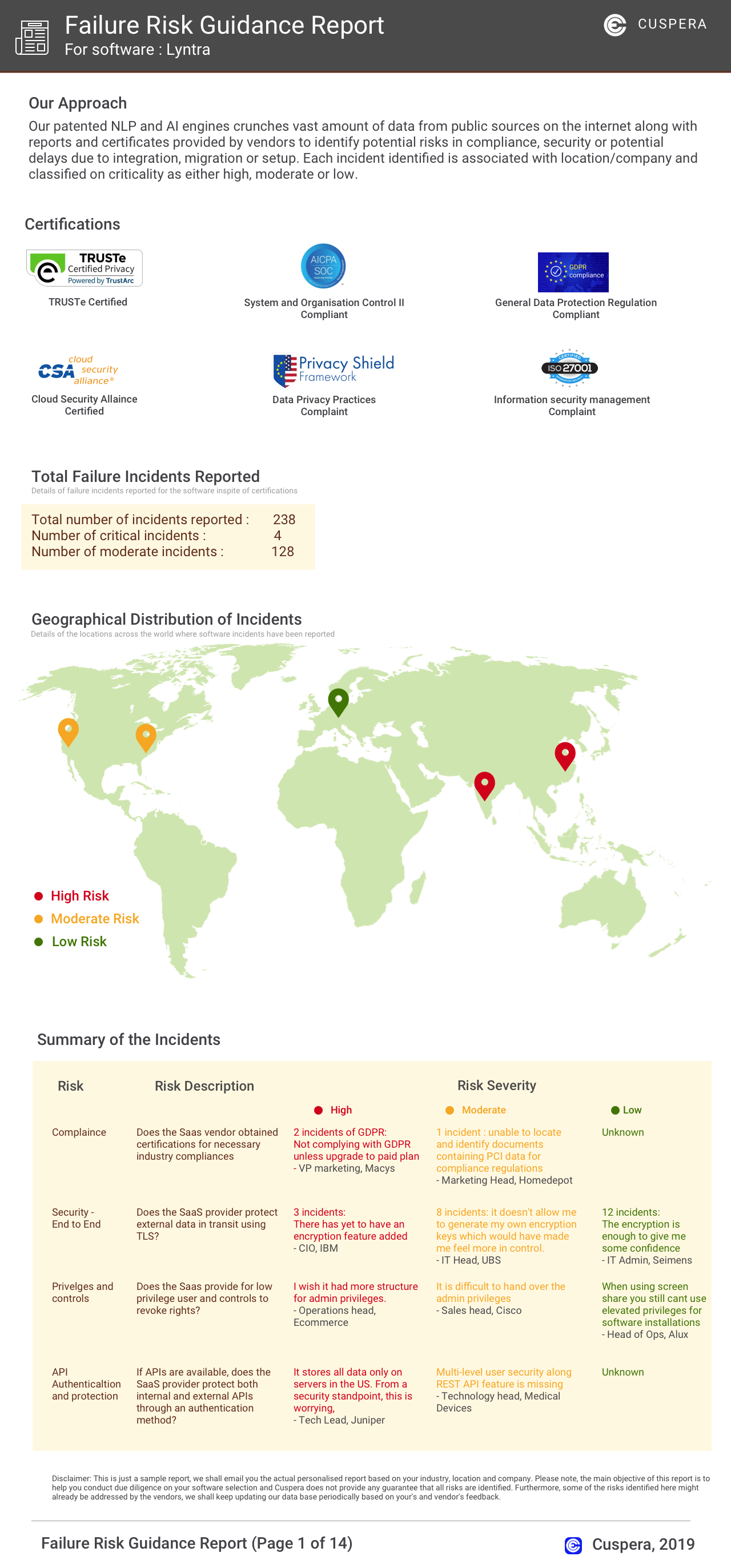
Software Failure Risk Guidance
?for ClickUp
Overall Risk Meter
Top Failure Risks for ClickUp
ClickUp News
ClickUp Launches Brain2: Your Company’s AI
ClickUp has launched Brain 2, an AI platform that integrates company-specific knowledge across tasks, decisions, and workflows. It enhances productivity by providing tailored responses and automating workflows. Brain 2 supports multiple AI models and offers enterprise-grade security. It's available across web, desktop, and mobile platforms, including a standalone app.
ClickUp Launches Brain2: Your Company's AI
ClickUp has launched Brain2, an advanced AI platform that integrates company-specific knowledge to enhance productivity and collaboration. Brain2 offers features like memory compounding, production-quality outputs, and enterprise-grade security. It supports various applications, including writing, coding, and design, and is available on multiple platforms, reducing AI costs by up to 88%.
ClickUp Updates and Changelog (2026)
ClickUp launched Brain2, a major AI platform update, enhancing task and document context awareness with integration to AI models like Claude, GPT, and Gemini. The update includes Brain MAX, a mobile app for AI interactions, and introduces new features like Google Drive automations and improved Gantt chart performance. These updates aim to streamline project management and enhance productivity through AI-driven automation.
ClickUp Brain²: Your Company's AI
ClickUp has launched Brain², a major upgrade to its AI capabilities. This new AI agent integrates with various frontier models to enhance knowledge work, offering features like project management, personal admin, and deep research. Brain² leverages a context engine to streamline workflows, making teams significantly more productive. It integrates with tools like Google Drive and Salesforce, providing a comprehensive workspace solution.
ClickUp Profile
HQ Location
363 Fifth Ave. Suite 300 San Diego, CA 92101
Employees
251-500
Social


Financials
SERIES C